
Introduction
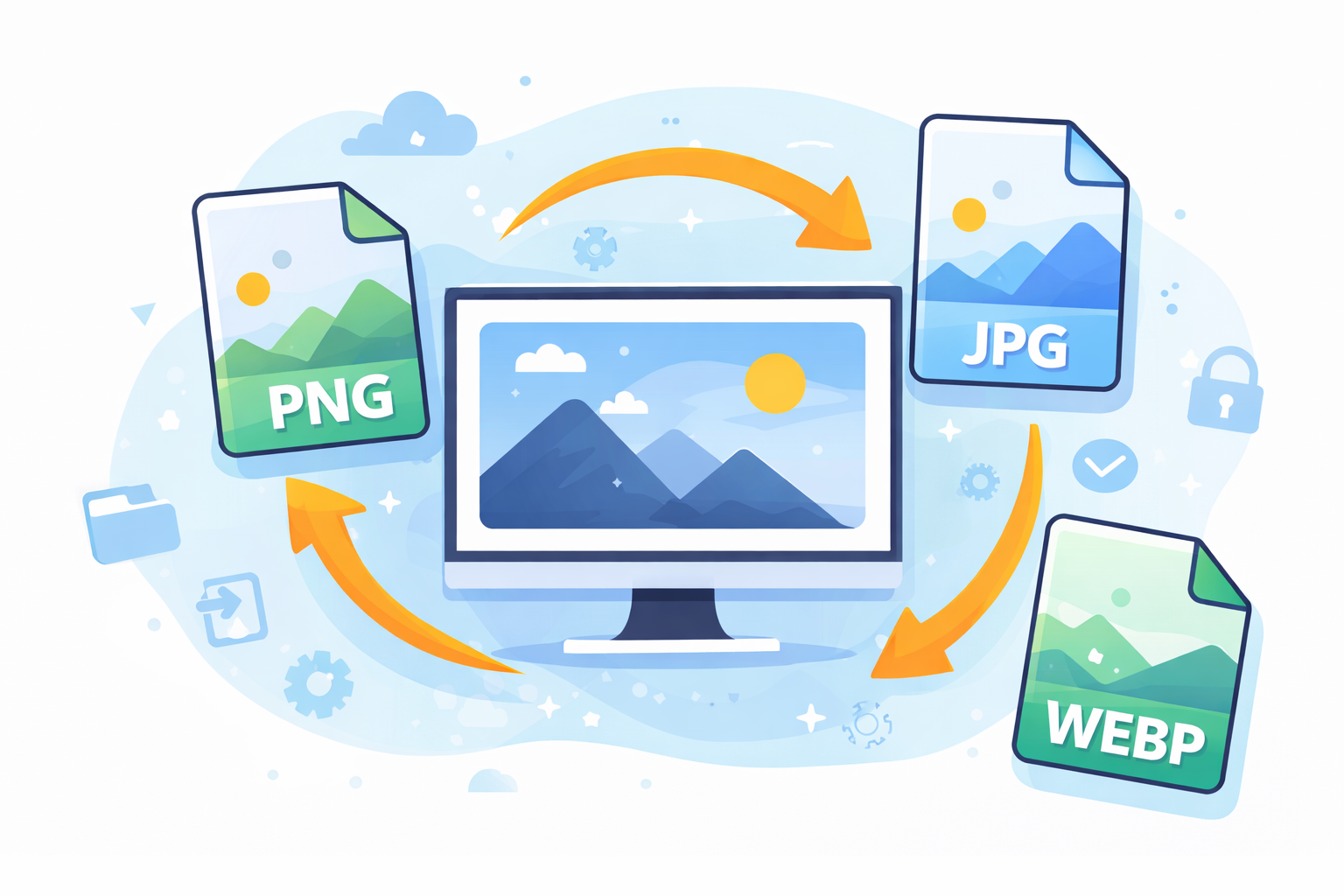
If you’re looking for a fast web site an of the crucial actions you can take is to know how to convert images to make faster web pages. Images typically comprise the biggest portion of a page’s file size. Large images that are not optimized delay page loading and can affect user experience and may even harm the rankings of search engines.
Modern websites heavily rely on images, banners as well as images of products, infographics and illustrations. Although these elements increase the user experience, they can also drastically speed up the time to load if they’re not properly optimized.
The speed of a website is important for both the user and the search engines too. According to research conducted by Google’s PageSpeed Insights Users are more likely to leave pages that take more than three seconds to load. This means that images that are not optimized could cost your leads, traffic, and even revenue.
Knowing how to convert images to speed up web pages is more than simply cutting down on file size. It involves deciding on the right image format and compressing images without sacrificing quality, and resizing dimensions correctly and utilizing modern tools to automate optimization.
In this article you’ll learn everything you must learn about image conversion for better web performance. It will cover the most efficient formats for images and compression methods, suggested tools, common pitfalls and the most advanced methods.
Why Image Optimization Matters for Website Speed
Images add visual appeal on a site, however they also increase the weight of a page. If images are not optimized, they will require more bandwidth and take longer to process.
Impact on Page Load Time
Large images dramatically slow down loading speed. Each additional megabyte adds to the amount of time needed for the web browser to load and display the site.
Faster pages are:
- Better user experience
- Lower bounce rates
- Higher conversion rates
- Increased SEO rankings
Impact on Search Engine Optimization
Search engines take page speed into consideration as an important ranking factor. The Google’s Core Web Vitals emphasize performance measures like:
- Largest Contentful Paint (LCP)
- First Input Delay (FID)
- Cumulative Layout Shift (CLS)
The optimization of images directly enhances these measures.
You can evaluate your site’s performance with the Google PageSpeed Insights:
https://pagespeed.web.dev
Improved Mobile Performance
Mobile users usually use slow networks. Images with large sizes cause more delay on tablets and smartphones. Optimized images speed up loading times for mobile devices.
Understanding Image Formats for the Web
The right format to choose is crucial when you are learning how to convert images for faster web pages. Each format provides different advantages.
JPEG (JPG)
Ideal for photos and intricate pictures.
Advantages:
- Smaller file sizes
- Good compression
- Widely appreciated
Disadvantages:
- Lossy compression
- Not the best choice for transparency.
PNG
Ideal for images and graphics that require transparency.
Advantages:
- Compression that is lossless
- Helps to promote Transparency
Disadvantages:
- File sizes that are larger than JPEG
WebP
Modern image format created by Google.
Advantages:
- Less large file sizes are smaller than JPEG and PNG
- High-quality compression
- It supports transparency and animation.
Disadvantages:
- Older browsers may not work with it.
AVIF
A brand new format that provides an even higher compression.
Advantages:
- Extremely small file size
- High image quality
Disadvantages:
- Browser compatibility is limited in older operating systems
How Image Size Affects Website Performance
A lot of websites upload images directly from digital cameras or design programs. The images uploaded are usually more than what is needed.
For instance:
| Image Source | Typical Size |
|---|---|
| Photo taken by smartphone | 4-8 MB |
| DSLR photo | 10-25 MB |
| Optimized image for web | 100-300 KB |
A single photo that isn’t optimized could result in 20 images optimized with regards to size.
Recommended Image Dimensions
Resize images to fit the display size.
Example:
| Display Area | Recommended Size |
|---|---|
| Blog images | 1200px width |
| Thumbnails | 300px |
| Full-screen banners | 1920px |
Uploading large images consumes bandwidth.
Step-by-Step Process: How to Convert Images for Faster Web Pages
we’re here to help you grow stronger mentally and emotionally. is a basic process that is used by professionals who develop websites.
Step 1: Resize the Image
Always reduce the size of your images prior to uploading.
Example:
- Original image Wide: 5000px
- Website display: 1200px wide
First, reduce the size to remove unnecessary data.
Step 2: Choose the Best File Format
Choose a file format that is based on the type of image.
| Image Type | Best Format |
|---|---|
| Photographs | JPEG or WebP |
| Logos | PNG or SVG |
| Icons | SVG |
| High compression | WebP or AVIF |
Step 3: Compress the Image
Compression decreases the size of files while preserving the quality.
Two kinds of types are available:
Lossy compression
- Smaller file sizes
- Slight quality reduction
A lossless compression
- Maintains full quality
- Smaller files
Most websites use lossy compression.
Step 4: Convert to Modern Formats
Convert formats from the past in WebP or AVIF to speed up loading.
Example:
- JPG – WebP
- PNG – WebP
Step 5: Enable Lazy Loading
Lazy loading delay loading images till the end user clicks down to them.
Benefits:
- Speedier initial page load
- Utilization of bandwidth is reduced
HTML example:
Best Tools to Convert Images for Faster Websites
Many tools allow image optimization to be done easily.
Online Image Optimization Tools
Some of the most popular tools include:
- TinyPNG
- Squoosh
- ImageOptim
- Compressor.io
These tools let you transfer images to the cloud and then download the optimized versions immediately.
Desktop Software
Professional tools offer greater control.
Examples:
- Adobe Photoshop
- Affinity Photo
- GIMP
These programs permit the manual control of compression levels as well as export formats.
WordPress Optimization Plugins
If your website is running WordPress the plugins are able to make the process easier.
The most popular options are:
- ShortPixel
- Imagify
- Smush
They automatically convert and compress uploaded photos.
Automating Image Optimization for Large Websites
Large websites typically have many thousands of pictures. Manual optimization becomes unpractical.
Automation solutions comprise:
Content Delivery Networks (CDNs)
CDNs optimise images automatically.
Examples:
- Cloudflare
- Cloudinary
- Imgix
These services transform images according to the device type and the size of the screen.
Automatic Format Conversion
Modern CDNs provide WebP images when they are supported by the browser. They also switch to JPEG in the event of a need.
This guarantees compatibility and efficiency.
Common Mistakes When Optimizing Images
Many webmasters make basic errors when they convert images.
Uploading Original Camera Files
High-resolution camera images are too large to be displayed on websites.
Using PNG for Photographs
PNG files are larger that JPEG and WebP.
Ignoring Image Dimensions
Uploading a picture with 4000px resolution when the minimum is only 800px consumes bandwidth.
Over-Compression
The excessive compression causes blurred images as well as poor visual quality.
Forgetting Mobile Optimization
Images should load quickly on both mobile and desktop devices.
Advanced Image Optimization Techniques
For the best performance, think about advanced techniques.
Responsive Images
Make use of multiple sizes of images to accommodate various screen resolutions.
Example:
Image Sprites
Sprites incorporate multiple icons into one file, reducing HTTP requests.
SVG Graphics
SVG images can be scaled without sacrificing quality, and are very small size files.
How Image Optimization Improves SEO
Understanding how to convert images to faster web pages directly increases search results.
Faster Page Speed
Google prefers websites that load faster.
Better User Engagement
Pages that load quickly keep visitors on the site longer.
Lower Bounce Rate
The pages load fast.
Improved Core Web Vitals
Optimized images can improve:
- Largest Contentful Paint
- Time to Interactive
FAQs About How to Convert Images for Faster Web Pages
1. What is the most suitable image format for web pages?
WebP is currently among the most popular formats since it allows for smaller file sizes and still maintains the highest image quality.
2. How do I know how much to compress images?
The best practice is to cut images down to 70-85 percent quality that balances quality and size.
3. Can image optimization affect SEO?
Yes. Speedier loading pages enhance the user experience and search results.
4. What is the best image size that is suitable for Web pages?
The majority of blog images should measure at least 1200 pixels wide and less than 300KB in size.
5. Are WebP images compatible with all browsers?
The majority of modern browsers are compatible with WebP however older browsers might require alternative formats.
6. Should I utilize lazy loading across all of my photos?
Lazy loading is a great option for the majority of images, particularly those that are lower than the fold.
Conclusion
Knowing how to convert images to speed up web pages is among the most effective ways to boost the performance of your website. Unoptimized, large images are among the main factors behind slow loading pages However, with the proper methods they can be reduced significantly without any compromise in quality.
By properly resizing images and selecting the right formats, compressing the files and using the latest technologies such as WebP lazy loading or CDNs websites are able to be significantly faster in loading times.
Speedier websites result in enhanced user experience, higher SEO rankings, and more conversions. If you have an eCommerce store, blog or business site Image optimization should be an integral part of your strategy for maximizing performance on the web.