
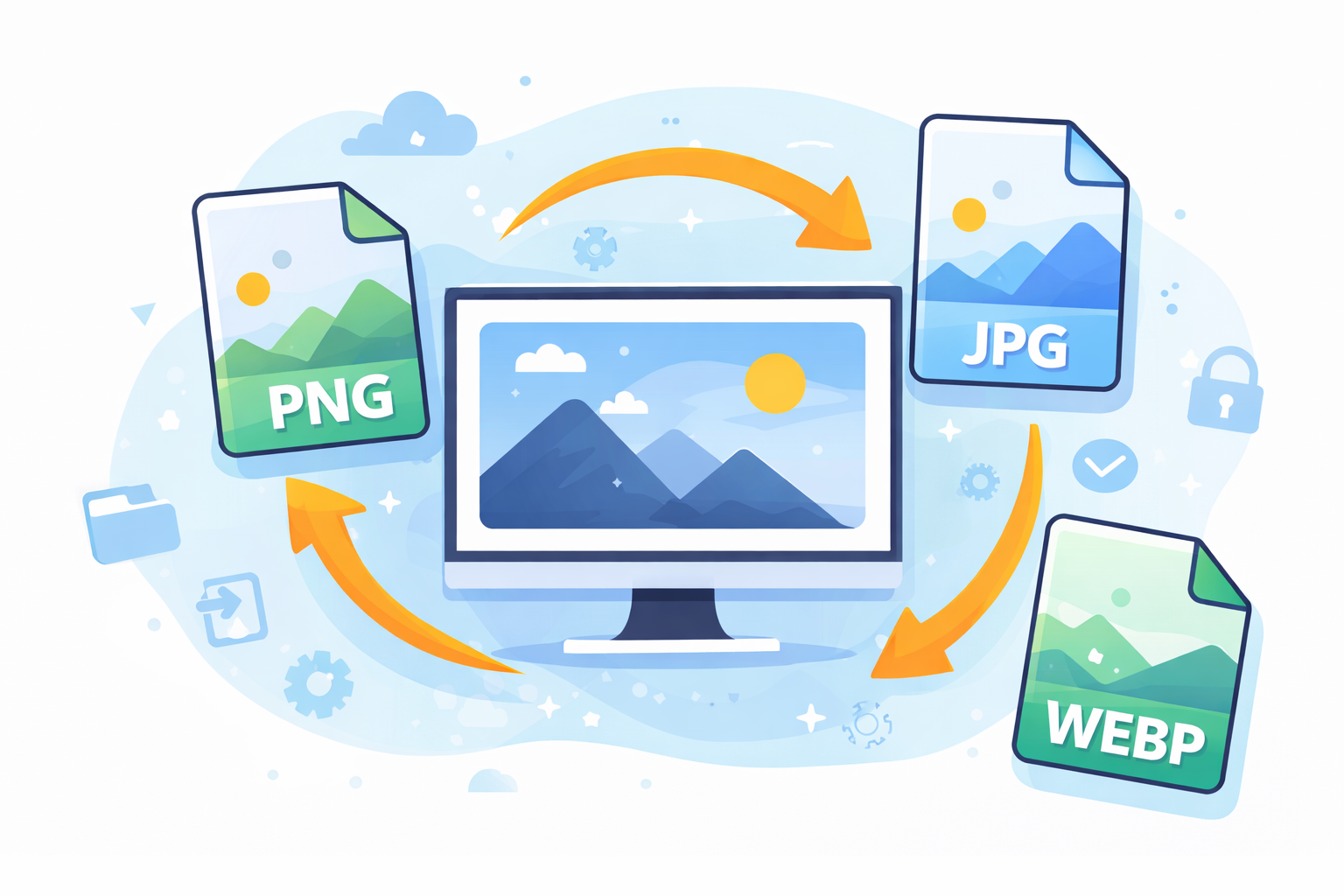
Images play a significant role in the world of digital. When you’re designing websites, making posts for social media or even publishing blog posts images can help you draw attention and convey ideas quickly. However, there’s a thing that many ignore: The Importance of choosing the right image format.
The choice of the right image format impacts the speed of your site the size of storage, the visual quality, as well as the search engine ranking. If you choose the wrong format, it can slow down your site, decrease the quality of your images, or cause your files too huge.
In this complete guide, we’ll look at the importance of selecting the right image format and the distinctions between different formats, common blunders that people make, the tools you can employ and ways to improve the quality of your images for greater efficiency and search engine optimization.
Understanding Image Formats
Before you dive deeper into the importance of selecting the best image format It is important to understand what formats for images actually mean.
Image format is a type of file that can be described as an image file format is a kind of file that can be used to store digital pictures. Different formats utilize different compression techniques and offer various features, including the ability to show transparency and animation as well as depth of color.
The most popular image formats are:
- JPEG (JPG)
- PNG
- GIF
- WebP
- SVG
- AVIF
Each format serves a particular reason. If you choose the wrong format, it could cause image clarity to be diminished or may increase the loading time.
Why Image Format Selection Matters
The choice of the appropriate image format isn’t only a technical issue, it directly affects usability and performance.
1. Website Speed
Images with large sizes can slow websites drastically. If your images aren’t optimized, the time it takes to load your page is increased.
Speedier websites result in:
- Better user experience
- Lower bounce rates
- Search rankings that are higher
For instance, new formats such as WebP or AVIF frequently reduce file size substantially, but without sacrificing quality.
2. Image Quality
Different formats deal with image quality in a different way.
For instance:
| Format | Quality Strength |
|---|---|
| JPEG | The best for photos |
| PNG | Ideal for crisp graphics |
| WebP | Excellent compression and high-quality |
| SVG | Ideal for vector graphics |
If you choose the wrong format, it could cause blurred or pixelated images.
3. SEO Optimization
Search engines are concerned about speed of pages and their performance. Optimized images can help increase rankings.
In talking about the importance of selecting the right image format SEO benefits include:
- Faster page load
- Better Core Web Vitals
- Mobile performance has been improved
Google even recommends modern formats like WebP.
You can find out more about the guidelines for image optimization from
https://developers.google.com/speed/docs/insights/OptimizeImages
4. Storage Efficiency
Images occupy a substantial part of the website’s storage. A wrong format can drastically increase the amount of storage needed.
For instance:
- The PNG image may be 5 MB.
- The same image on WebP may have 500KB
This distinction is crucial when you have to manage hundreds or even thousands of images.
Common Image Formats Explained
Understanding the most popular formats is vital in the process of studying the importance of selecting the appropriate image format.
JPEG (JPG)
JPEG is among the formats most frequently used.
The best choice for:
- Photographs
- Images of social media
- Banners on websites
Advantages:
- Small file sizes
- Good compression
- Widely backed
Disadvantages:
- There is no Transparency
- Quality declines after compression
PNG
PNG files maintain excellent quality.
The best choice for:
- Logos
- Icons
- Graphics that have transparency
Advantages
- Helps to promote Transparency
- Compression that is lossless
- High-clarity
Disadvantages
- A larger file size is available than JPEG
GIF
GIF is used primarily to create animation.
Ideal for:
- Simple animations
- Memes
- Small graphic loops
Advantages
- Animation support
- Small enough for simple graphics
Disadvantages
- Limited colors
- Photos are of poor quality and not in good quality.
WebP
WebP is a new format created by Google.
The best choice for:
- Websites
- Online content
- Optimization of performance
Advantages
- Smaller file sizes
- High image quality
- Supports animation and transparency
Disadvantages
- Certain older browsers might not support it.
SVG
SVG is an e-format based on vectors.
The best choice for:
- Logos
- Icons
- Illustrations
Advantages
- Infinite scaling without sacrificing quality
- Very small size of file
- Perfect for responsive design
Common Mistakes When Choosing Image Formats
A lot of novices overlook the importance of selecting the right image format and make common errors.
Using PNG for Everything
PNG files are high-quality however, they are often larger than the size needed.
For images, JPEG or WebP is generally the best choice.
Uploading Uncompressed Images
Many people upload images directly from their camera.
The files could have 10MB or larger and can seriously slow down websites.
Ignoring Mobile Performance
Mobile users account for the majority of traffic on the internet. The large images can make mobile browsing sluggish and even frustrating.
Not Using Modern Formats
WebP and AVIF offer excellent compression, however some websites still rely on old formats.
Tools for Image Optimization
There are many tools that can assist in optimizing images and selecting the appropriate format.
Popular Image Optimization Tools
| Tool | Best Use |
|---|---|
| TinyPNG | Compress PNG and JPEG |
| ImageOptim | Mac image optimization |
| Squoosh | Advanced compression |
| ShortPixel | WordPress optimization |
| Cloudinary | Image management |
These tools convert images to efficient formats, and can reduce the size of files.
Best Practices for Image Optimization
To fully comprehend the significance of selecting the appropriate image format adhere to these best methods:
1. Choose Format Based on Image Type
- Photos – JPEG or WebP
- Graphics – PNG
- Logos – SVG
- Animations – GIF or WebP
2. Compress Images Before Uploading
Compression can reduce file size, without significantly affecting the visual quality.
3. Use Responsive Images
Modern websites serve different image sizes depending on screen size.
This enhances performance both on desktops and mobile devices.
4. Enable Lazy Loading
Lazy loading means that images load only whenever they appear upon the monitor.
This dramatically reduces the time it takes to load a page.
5. Use CDN Image Optimization
Content Delivery Networks can automatically convert and compress images.
Examples include:
- Cloudflare
- Cloudinary
- ImageKit
How Image Formats Affect Website Performance
Images are often responsible for 50% to 70 percent of the total dimension.
Image optimization is a huge factor. huge impact.
Benefits include:
- Faster loading pages
- Utilization of bandwidth is reduced
- Improved user engagement
- Improved SEO rankings
Future of Image Formats
Technology is constantly evolving. The new formats have become increasingly popular.
AVIF
AVIF provides even greater compression options than the WebP.
Benefits include:
- Very small file sizes
- High-quality visual quality
- HDR support
However, support for browsers is growing.
Frequently Asked Questions (FAQs)
1. What is the reason why choosing the correct image format?
Choosing the appropriate image format increases speed on websites and maintains the quality of images and boosts SEO performance.
2. What is the best image format for websites?
WebP is currently among the top formats as it provides high quality and smaller size files.
3. Is PNG better than JPEG?
It is dependent on the usage situation. PNG is more suitable for transparency and graphics while JPEG is better for photos.
4. Should I convert images to WebP?
Yes, conversion of images to WebP can dramatically reduce the size of the files, while preserving the quality of the images.
5. What format is best for logos?
SVG is perfect for logos since it is perfectly scaled without losing quality.
6. Does image format affect SEO?
Yes. Speedier loading images increase the speed of pages which is a key ranking factor for search engines.
Conclusion
Knowing the importance of selecting the right image format is crucial for all those involved in digital media. The proper format can significantly improve the speed of websites and clarity of images storage efficiency, as well as SEO performance.
Instead of using a single format for all types of images it’s essential to choose a format that is compatible with the intended use for the photo. JPEG is the best format for photos and graphics. PNG works well for graphics. SVG for designs that can be scaled and the latest formats like WebP offer excellent performance advantages.
When you choose the appropriate format, compressing images and utilizing optimization tools, you can make more efficient, faster websites that deliver the best experience for your users as well as search engines.