
Introduction
In today’s world of digital images play an important part in the success of social media. When you post on Instagram, Facebook, LinkedIn or TikTok making sure you use the right size and format of your images can help your content appear more professional and appealing. Many upload photos directly from their smartphones or desktops, without optimizing their images. In the end, photos may appear blurry, incorrectly cropped or be slow to load.
Knowing how to convert images to Social media platforms can significantly improve the performance and quality of your content. A proper image conversion will ensure that your images display properly as well as load quickly and attract attention when you post to feeds with a lot of content.
In this tutorial you’ll learn everything you need to know, from the formats of images, resizing and resizing, to compression tools, as well as common errors to stay clear of. After reading this guide, you’ll be competent in creating images for social media just like a professional content writer.
Why Image Conversion Matters for Social Media
Improves Visual Quality
Platforms for social media compress photos. If the file wasn’t optimized prior to uploading, compression of the platform could reduce the quality of the image. A proper conversion will ensure that the image remains clear and sharp.
Faster Loading Speed
Large images cause slow loading times. Optimized images load more quickly increasing the experience for users and enhancing their engagement.
Correct Display on All Devices
Different devices come with different sizes of screens. Correctly converted images preserve their proportions across tablets, mobile phones and even desktops.
Better Engagement
Quality images naturally garner more shares, likes, and comments than poor-quality images.
Understanding Common Image Formats
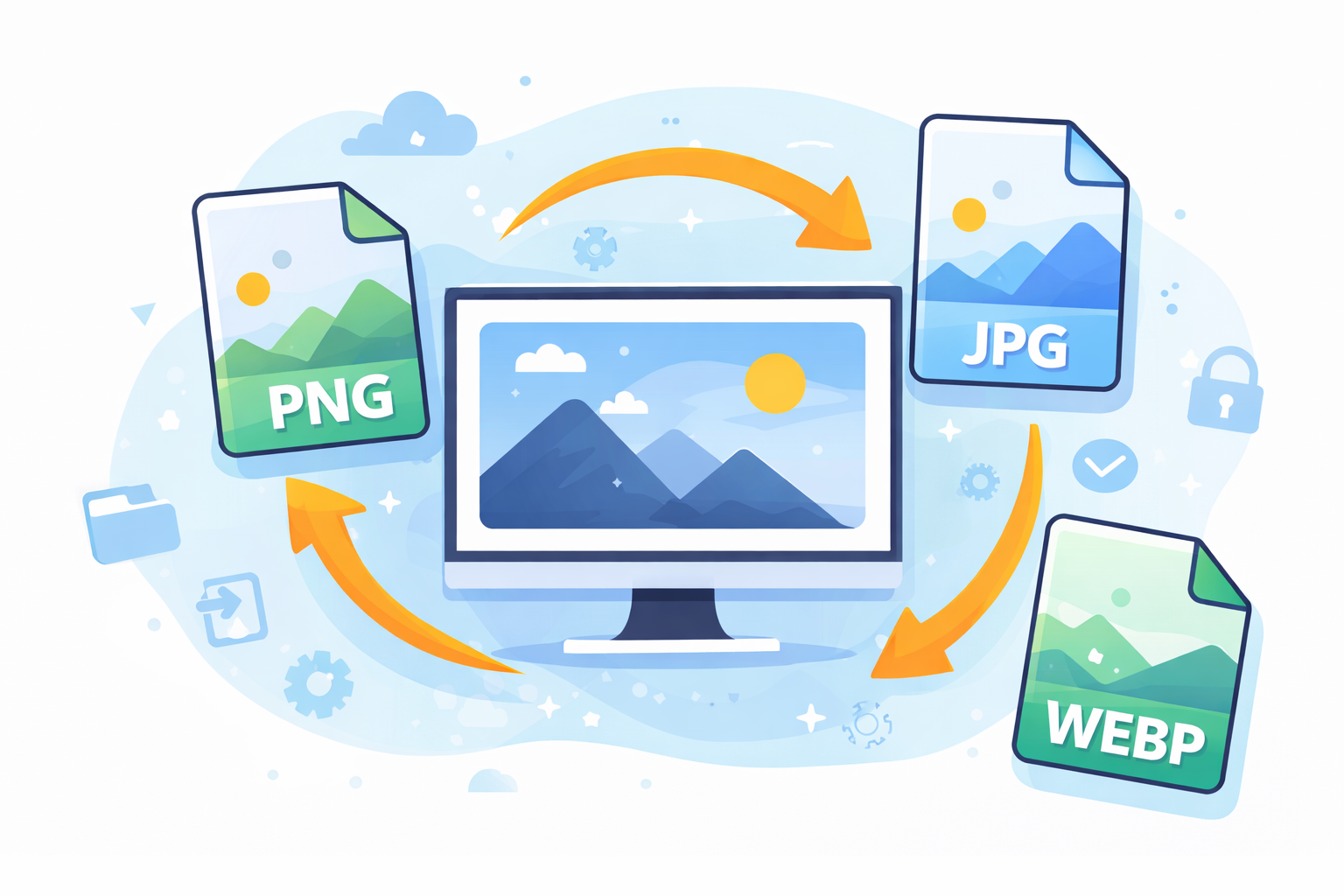
Before you can learn how to convert images to Social Digital Media it is essential to know the most popular images formats.
JPEG (JPG)
- The most widely-used format
- Small size file
- Great for taking photos
- Quality loss of a small amount caused by compression
PNG
- Helps to promote Transparency
- Better quality than JPG
- Larger file sizes
- The best choice for logos and graphics.
GIF
- Animation support
- Limited color range
- Common memes and reactions
WEBP
- Modern format designed by Google
- High quality, with a smaller file size
- Many modern platforms support it.
SVG
- Vector format
- Great for logos and icons
- Scalable without loss of quality
Best Image Sizes for Major Social Media Platforms
Each platform has suggested sizes for photos.
| Platform | Post Size | Story Size | Profile Picture |
|---|---|---|---|
| 1080 x 1080 | 1080 x 1920 | 320 x 320 | |
| 1200 x 630 | 1080 x 1920 | 180 x 180 | |
| Twitter/X | 1600 x 900 | — | 400 x 400 |
| 1200 x 627 | — | 400 x 400 | |
| 1000 x 1500 | — | 165 x 165 |
The correct measurements will prevent distortion and cropping.
Step-by-Step Guide: How to Convert Images for Social Media Platforms
Step 1: Choose the Correct Format
Make sure you choose the ideal design for your image.
- Photos – JPG
- Logos – PNG or SVG
- Content animated GIF – GIF
- Images optimized on the web based – WEBP
The right format can ensure the balance between file quality and.
Step 2: Resize the Image
Resizing is important because large images are compressed by social media platforms.
Utilize editing tools to alter your image to fit the platform’s suggested dimensions. This will ensure that the image fits perfectly and is not cropped.
Step 3: Compress the Image
Compression can reduce file size, but without significantly affecting the quality.
Compression has many benefits:
- Faster loading
- Storage space is less
- Social media performance has improved
Step 4: Adjust Image Quality
When converting images, ensure the proper balance between the size of your file and the quality.
Quality settings that are recommended:
- JPG: 70-85%
- PNG Lossless compression
- WEBP: 75-85%
Step 5: Export in the Correct File Type
Once the editing and compression is completed, save your image in the format you want. Make sure the filename is simple and descriptive, particularly in the case of images used for SEO or marketing.
Top Tools to Convert Images for Social Media
Many tools make conversion of images simple and quick.
Canva
Canva allows users to create or resize images to various social media platforms in a matter of seconds.
Adobe Photoshop
A powerful tool for professionals that offers advanced images conversion and optimization capabilities.
TinyPNG
TinyPNG can compress PNG as well as JPG images without causing any noticeable quality loss.
Squoosh
A browser-based free tool by Google that gives you precise compression settings.
Online Image Converter
Many websites offer drag-and-drop options for image conversion.
For instance, you could employ tools such as
https://squoosh.app/ for speedy and efficient compression of images.
Best Practices for Social Media Image Optimization
Keep File Sizes Small
Try to limit images to less than 500 bytes whenever you can.
Use High Resolution
Begin with images that are high-resolution so the resizing doesn’t affect quality.
Use Consistent Branding
Make sure you use the same fonts, colors and style of design across all posts.
Add Alt Text
Alt text increases accessibility and also aids with SEO.
Test Before Posting
Always check the image’s preview on both desktop and mobile devices prior to publishing.
Common Mistakes to Avoid
Even skilled creators can make mistakes when they convert images.
Uploading Large Raw Images
Large files can slow down loading and are often compressed by social media platforms.
Using the Wrong Aspect Ratio
Incorrect ratios can result in stretched or cropped images. Incorrect ratios can result in stretched or cropped.
Over-Compression
A lot of compression can make images blurry or blurred.
Ignoring Platform Guidelines
Each platform has its own dimensions that must be observed.
Saving Images Multiple Times
Repetitive editing and saving can lower the image’s quality.
Advanced Tips for Professional Results
Use Batch Conversion
If you have many images Batch conversion tools can help you save time.
Create Templates
Templates ensure consistency across posts.
Optimize for Mobile
Because the majority of people access social media through smartphones, make sure you design your images specifically for mobile browsing.
Use Color Profiles
Convert pictures to the sRGB color profiles to ensure uniform appearance across different devices.
How Image Conversion Helps Social Media Marketing
Understanding how to convert images to Social media platforms can greatly improve the results of your marketing.
Benefits include:
- Higher engagement rates
- Better visual branding
- Faster page loading
- Improved user experience
- More professional-looking content
Companies that regularly post optimized images often experience more interaction with their audience and better brand recognition.
Frequently Asked Questions
1. What is the ideal image format for social media?
JPEG is usually the ideal format for images, whereas PNG is ideal for logos and graphics that need transparency.
2. Which is the best size of an image to use for Instagram posts?
The suggested Instagram posting size for posts is 1080×1080 pixels for square images.
3. Why are my photos looking fuzzy after I upload them?
It usually happens when photos are too big or improperly size before uploading, which causes social media platforms to compress them a lot.
4. Do I have the ability to convert photos and not lose quality?
Yes. using lossless compression tools such as PNG optimization can help maintain the image’s quality.
5. What tools can help convert images swiftly?
Tools such as Canva Squoosh, Canva, TinyPNG and Photoshop are extensively used to rapid image conversion.
6. Do I need to compress images prior to uploading them to social networks?
Yes. compressing images speeds up loading and also prevents over-compression through social media sites.
Conclusion
Images form the basis in social media’s contents. Images that are high-quality attract attention, convey messages swiftly and boost engagement. But, uploading raw images won’t be enough.
Knowing the process of converting images to Social Digital Platforms makes sure that your photos appear sharp load quickly and will work flawlessly on any platform. When you choose the appropriate format, properly resizing and compressing the files and utilizing the appropriate tools, you will be able to significantly increase the efficiency on your social media posts.
If you’re a content creator or marketer or a the owner of a business, mastering images conversion will allow you to create professional content that stands out from the crowd of social feeds.
Utilizing the tools, tips and best practices described in this article You now are equipped to make well-designed images that catch the eye and yield results.